🐱
Cat on your screen
A small companion that walks, sits, sleeps, and reacts while you use other apps.
A floating cat, quick app launcher, focus timer, reminders, battery and weather reactions — always nearby without getting in your way.
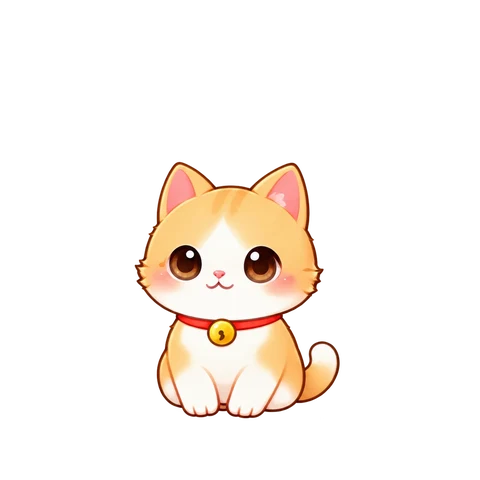
One cute cat stays on your screen and does genuinely useful things.
A small companion that walks, sits, sleeps, and reacts while you use other apps.
Long-press the cat, drag to the app you want, and release to launch it instantly.
Start focus timers, quick timers, notes, and reminders right from the cat menu.
Build affection by feeding and playing, then decorate the room and accessories your way.
Behavior and position change based on battery, charging, time, weather, and the app you are using.
In games or video apps, the cat can stay calm, move to a corner, or hide automatically.
Cats and items are free to use. The service is supported by ads.
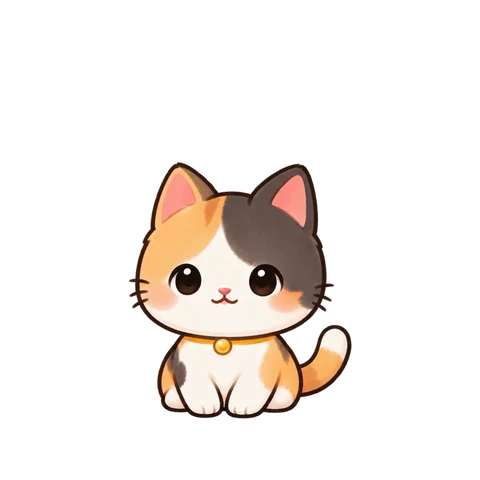
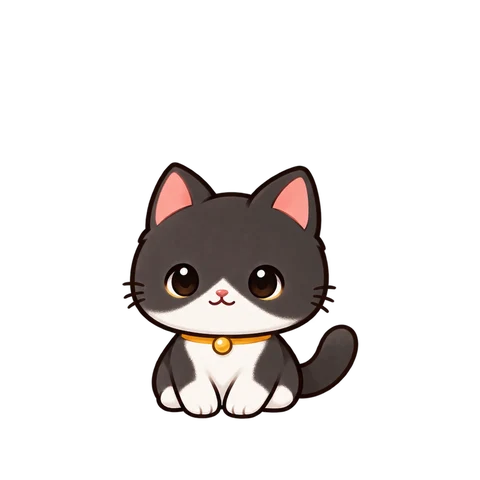
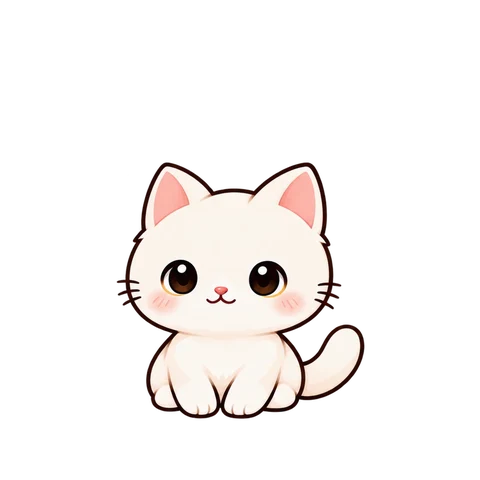
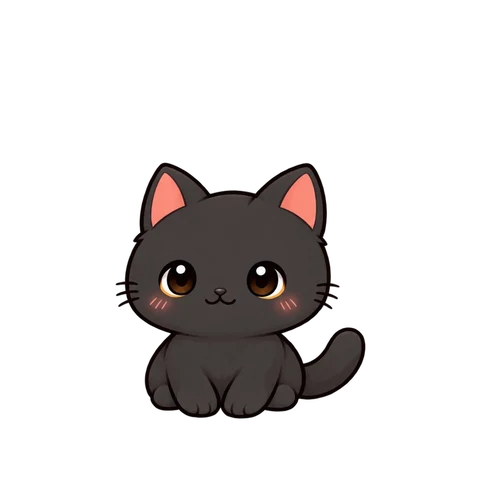
Meet all six built-in cats. Choose a friend to see its animations.
After you start the overlay, it stays active through an Android foreground service. You can turn it off anytime from the app or notification.
Our current policy provides all cats and items for free, with the service supported by AdMob ads.
No. Cats and items are delivered as separate resource packs that the app can discover and download from the server.
Yes. For each app, you can choose normal behavior, calm mode, move to a corner, or hide.